
dev:arena_map_creation_import_tiles
This is an old revision of the document!
Import
Import the master image being used for the map.
- From the Import menu, click on Make Tiles.

Select Image
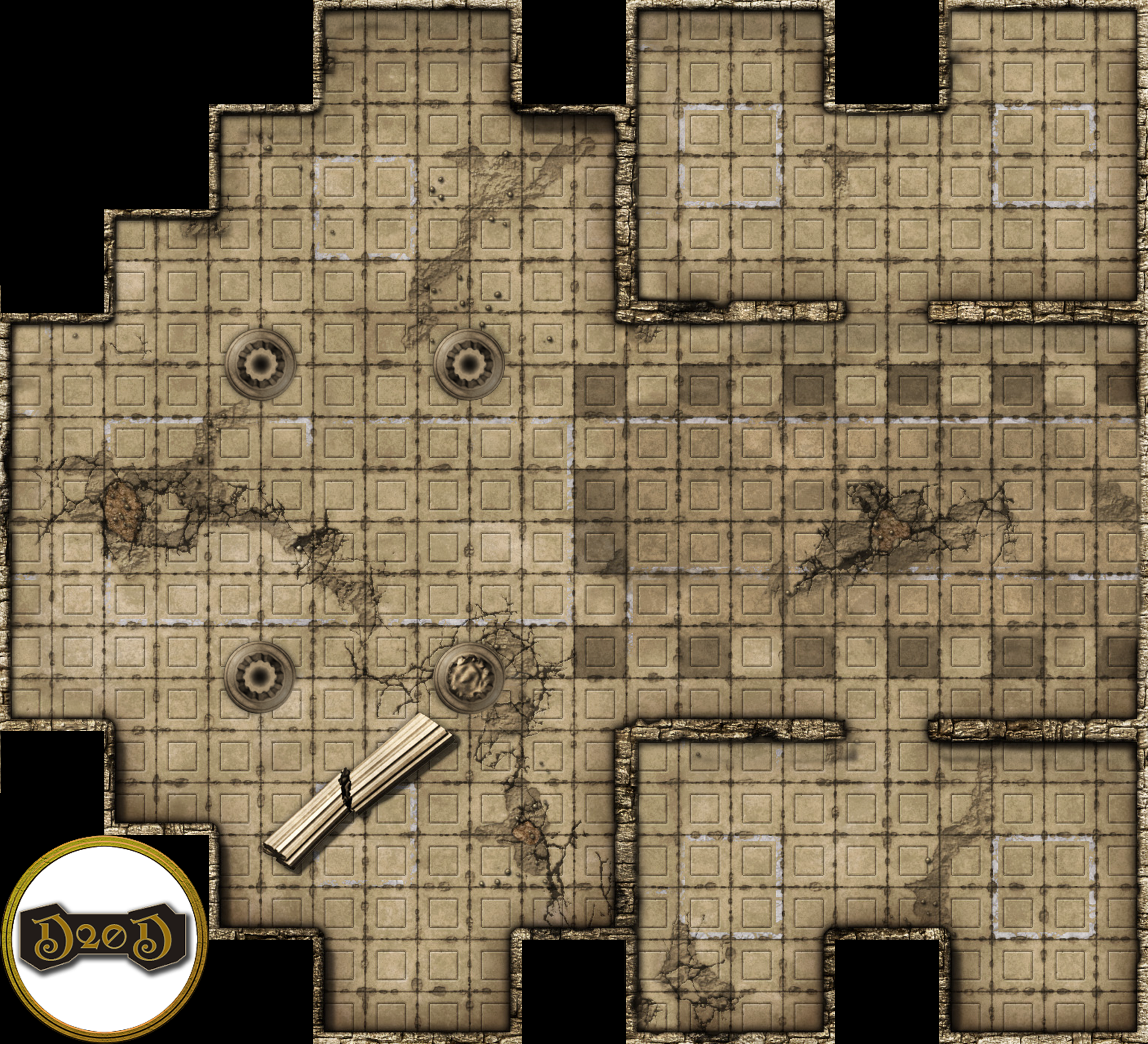
- Click on Browse to select the source image that will be cut up into tiles. Here is the image I am using ruined_crypt.png
- The destination will be set for you so I would just leave.
- Click OK and the image will start to import.

/home/admin/domains/wiki.d20dungeons.com/public_html/data/attic/dev/arena_map_creation_import_tiles.1644183176.txt.gz · Last modified: (external edit)